
Gemini Test Case Generation in 2026: The Complete Guide (ISTQB Techniques, Prompts, Rubric & FAQ)
The definitive 2026 guide to Gemini test case generation — RCTF prompt framework, ISTQB techniques (EP, BVA, DT, ST, UC), 10 copy-paste prompts for Gemini 2.5 Pro and Flash, 7-point review rubric, Jira/Xray import, and every People Also Ask question.

Last updated: July 14, 2026 · 14 min read · By SoftwareTestPilot
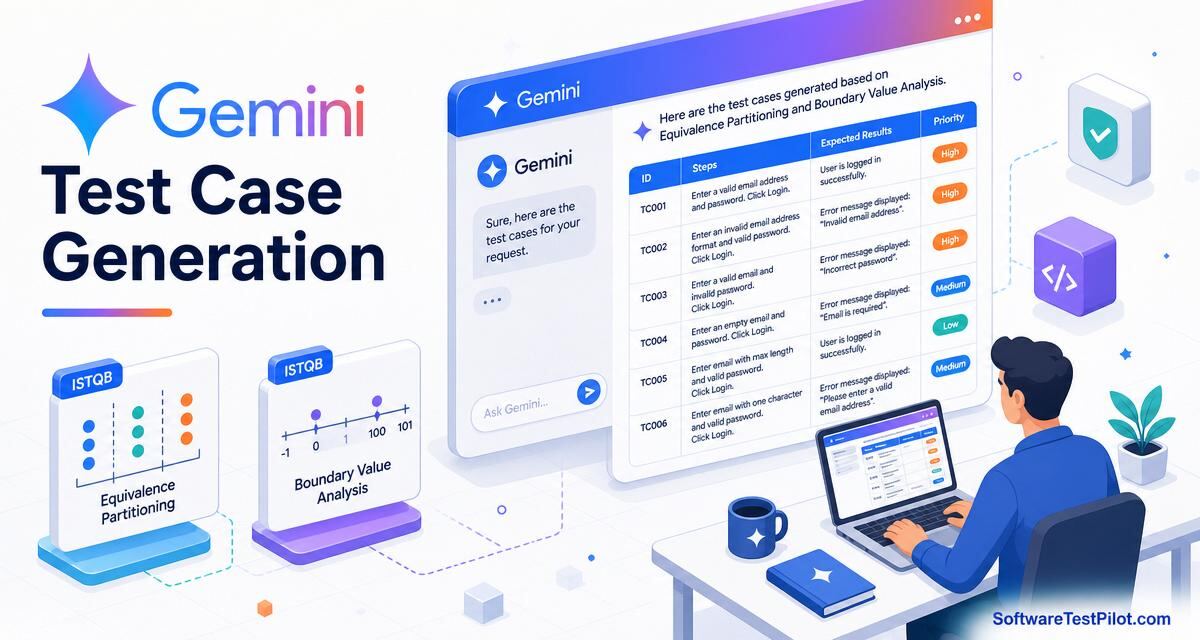
Gemini test case generation is the practice of using Gemini 2.5 Pro, Gemini 3.1 Pro Preview or Gemini 2.5 / 3.5 Flash to draft ISTQB-aligned test cases — positive, negative, boundary, decision-table, state-transition and use-case — from a user story, acceptance criterion, PRD section or OpenAPI spec, then importing them into Jira/Xray, TestRail, qTest or Zephyr Scale. Measured on 2026 teams, Gemini cuts test-case authoring time by 60–75% and — thanks to its long-context window — accepts a full PRD chapter without truncation.
Pair with Gemini for software testing, Claude test case generation, ChatGPT test case generation and Copilot generate test cases.
Key takeaways
- Name the ISTQB technique in the prompt — Gemini switches strategy for EP, BVA, DT, ST, UC.
- Output as a markdown table with fixed columns — Jira/Xray and TestRail parse cleanly.
- Always include negative + boundary cases explicitly; do not leave them implicit.
- Use Gemini 2.5 Pro for compliance-critical features and long-context ingestion; 2.5 Flash for bulk throughput.
- Every batch passes the 7-point rubric before import.
1. Which ISTQB technique for which requirement
- Equivalence Partitioning (EP) — categorical inputs (country, plan tier). One representative per class.
- Boundary Value Analysis (BVA) — numeric / date / string-length inputs. Cover min-1, min, min+1, max-1, max, max+1.
- Decision Table (DT) — combining conditions (discount = f(country, tier, coupon)). One row per rule.
- State Transition (ST) — stateful workflows (order, subscription). Cover valid and invalid transitions.
- Use Case (UC) — actor-driven end-to-end flows. Main + alt + exception flows.
Reference: ISTQB Foundation Level syllabus. Pick the technique first, then prompt.
2. RCTF prompt for Gemini test case generation
- Role — "You are an ISTQB Advanced Test Analyst. Prioritise BVA, EP and negative coverage. Use IEEE 829 test-case format."
- Context — paste the user story, AC, business rules, data ranges and any known defect history.
- Task — "Generate 20 test cases using BVA + EP + DT. 10 positive, 6 negative, 4 boundary."
- Format — "Markdown table. Columns: TC-ID, Title, Preconditions, Steps, Expected, Priority, Type. End with a 7-point rubric self-critique."
3. Ten copy-paste prompts for Gemini test case generation
Prompt 1 — 20 cases from a user story (EP + BVA)
Role: ISTQB Advanced Test Analyst.
Context: user story + AC = <paste>. Data ranges: age 18–120, amount 1–1000000.
Task: 20 test cases via EP + BVA. 10 positive, 6 negative, 4 boundary.
Format: markdown table (TC-ID, Title, Preconditions, Steps, Expected,
Priority, Type). Rubric self-critique.
Prompt 2 — decision table for a discount rule
Role: senior test analyst.
Context: discount = f(country ∈ {IN,US,EU}, tier ∈ {free,pro,team}, coupon ∈ {yes,no}).
Task: full decision table (18 rules) + one test case per rule.
Format: two markdown tables — DT first, TC list second.
Prompt 3 — state transition for an order lifecycle
Role: test analyst.
Context: states = created, paid, shipped, delivered, refunded, cancelled.
Valid transitions = <paste diagram>.
Task: 1 TC per valid transition + 1 per invalid transition. Flag
409 vs 422 for invalids.
Format: markdown table.
Prompt 4 — use-case cases from an actor flow
Role: test analyst, UC technique.
Context: use case = "Applicant submits KYC" with main + 3 alt + 2 exception flows.
Task: 1 TC per flow, 1 TC per branching decision.
Format: markdown table with a Flow column.
Prompt 5 — API test cases from OpenAPI (long context)
Role: senior API tester.
Context: full OpenAPI 3.1 spec = <paste all endpoints> (1M tokens OK).
Task: 12 TCs per endpoint — 201 happy, 400 variants, 401, 403, 409,
422, 429, 500 (mock downstream).
Format: markdown table incl. request body JSON.
Prompt 6 — accessibility test cases (WCAG 2.2)
Role: a11y test analyst.
Context: page = /checkout, WCAG 2.2 AA.
Task: 10 TCs covering keyboard nav, focus order, contrast, screen-reader
labels, form errors, motion-reduce.
Format: markdown table + WCAG SC reference column.
Prompt 7 — negative + security cases
Role: security-minded QA, OWASP Top 10.
Context: login form = <paste>.
Task: 12 negative + security TCs — SQLi, XSS, CSRF, brute force,
timing attack, session fixation, IDOR.
Format: markdown table. One OWASP reference per row.
Prompt 8 — mobile test cases (iOS + Android)
Role: mobile QA.
Context: feature = biometric login. Platforms = iOS 18, Android 15.
Task: 10 TCs incl. permission denial, sensor failure, low-power,
locale change (RTL), airplane mode.
Format: markdown table + Platform column.
Prompt 9 — data-driven test skeleton
Role: SDET.
Context: TC = "calculate_tax(country, amount)".
Task: 20 rows of parametrised data — EU VAT, US sales tax, GST India,
zero-rated, reverse-charge, 1 xfail row for a known bug.
Format: CSV — country, amount, expected_tax, tags.
Prompt 10 — Xray-ready import format
Role: QA.
Context: existing TCs = <paste markdown table>.
Task: convert to Jira/Xray CSV import format: Issue Type, Summary,
Priority, Test Type, Steps (Xray triplet), Labels.
Format: CSV.
4. The 7-point review rubric for generated test cases
- Traceable — every TC links to a REQ-ID / AC.
- Technique-labelled — EP, BVA, DT, ST or UC named in Type column.
- Executable — steps unambiguous, deterministic.
- Negative + boundary present — at least one per feature.
- Prioritised — H/M/L with justification tied to risk.
- PII-clean — synthetic data only.
- Format-correct — imports into Xray/TestRail/qTest without column shift.
5. Importing Gemini output into Jira/Xray, TestRail, qTest
Gemini's markdown-table output imports cleanly into most tools with one preprocessing step:
- Jira/Xray — CSV with columns: Issue Type, Summary, Priority, Test Type, Test Steps (Xray triplet), Labels. See the Xray CSV import docs.
- TestRail — CSV or Import UI (Preconditions, Steps, Expected).
- qTest — Excel with Module, Name, Precondition, Test Steps sheets.
- Zephyr Scale — CSV with objective, precondition, testScript.type = STEP_BY_STEP.
6. Governance and PII rules
Gemini in 2026 ships in three surfaces relevant to QA — gemini.google.com (chat + Deep Research + Canvas), the Gemini API in Google AI Studio and Vertex AI, and Gemini Code Assist (VS Code / JetBrains / IntelliJ + Android Studio + the CLI). All three respect the Google Cloud terms: paid Gemini API traffic and Google Workspace-connected Gemini (Business / Enterprise) do not train Google models. Free consumer gemini.google.com traffic may be used to improve models unless the user opts out.
- Use paid Gemini API, Vertex AI, or Gemini for Google Workspace (Business / Enterprise) — not the free consumer plan — for anything touching customer data.
- Never paste raw production data, HAR files, JWTs, PANs or customer PII. Redact with the rules from the ChatGPT bug report pillar.
- Prefer the Gemini API with a Cloud Logging audit trail; keep prompts and outputs in a QA prompt library under version control.
- Map governance to the NIST AI RMF and the EU AI Act for regulated products.
- Add an "AI attribution" section to your PR / test plan template; a human SDET signs off before merge.
7. What Gemini test case generation means for QA careers
Test analysts who can drive Gemini to produce ISTQB-clean, technique-labelled test cases at scale from long-context specs are the ones QA leads keep on the roadmap. See the QA salary guide, the ISTQB Foundation exam tips, the AI mock interview and live roles on the QA Jobs Radar.