
ATS-Friendly QA Resume Template (2026) — Pass Recruiters' Filters
Create an ATS-friendly QA resume with proven templates, recruiter-approved keywords, examples, and a downloadable PDF.

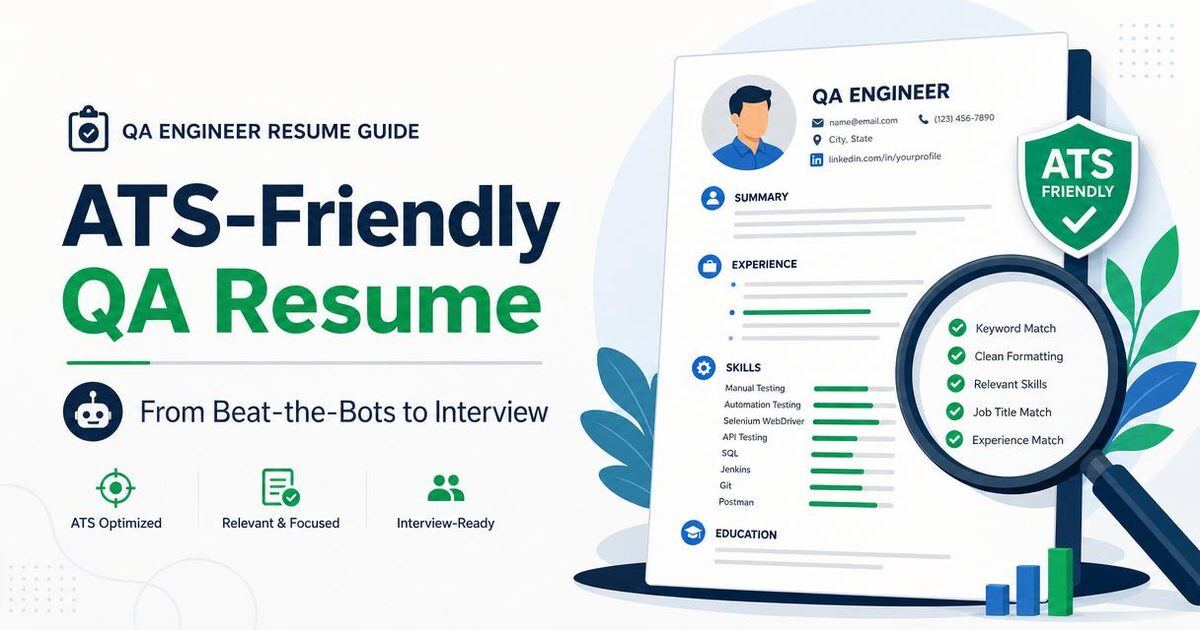
Over 75% of QA resumes are filtered out by Applicant Tracking Systems (ATS) before a human ever sees them. The fix isn't fancy design — it's structure, keywords, and measurable outcomes. Here's how to rebuild yours, and grab our free ATS-friendly QA resume template at the end.
Free ATS-friendly QA resume template (.docx)
We've packaged everything below into a clean single-column Microsoft Word template you can download, fill in and submit immediately.
QA Resume Template — Calibri, single-column, ATS-safe sections (summary, skills, experience, education, certifications, projects).
After filling it in, run it through our free Resume ATS Review to get an instant score and rewrite suggestions.
1. Use a single-column, plain layout
ATS parsers struggle with tables, columns, icons and graphics. Stick to a clean single-column resume in standard fonts like Inter, Arial or Calibri. Save as PDF unless the job post asks for .docx.
2. Mirror the job description keywords
If the JD says 'Playwright, API testing, CI/CD, JIRA', those exact phrases should appear in your skills and experience sections. Don't keyword-stuff — weave them into accomplishments.
3. Quantify every bullet
'Reduced regression cycle from 3 days to 6 hours by automating 80% of smoke tests in Playwright' beats 'Worked on automation'. Numbers signal seniority.
4. Lead with a punchy summary
Three lines: years of experience, domains (web, mobile, API), and your biggest win. Recruiters spend 6 seconds on this section.
5. Run it through an ATS checker
SoftwareTestPilot's free Resume ATS Review gives you an ATS score, missing keywords and a rewritten summary in under 30 seconds. Iterate twice before applying.
Get my free ATS score →
The 2026 ATS-friendly QA resume anatomy (with word-by-word template)
An ATS-friendly QA resume is not a stripped-down resume — it is a resume engineered so that both the ATS parser and the human hiring manager extract the same signal within 12 seconds. Here is the exact anatomy we audit for every candidate in the SoftwareTestPilot ATS Resume Review service at /resume-ats-review.
| Section | ATS priority | Human priority | What to write |
|---|---|---|---|
| Contact block | Critical — parser fails without it | Low | Name, email, phone, city + country, LinkedIn, GitHub. No icons, no photo. |
| Headline | High — keyword source | High — first read | Role + tools + years, e.g. QA Automation Engineer — Playwright, TypeScript, 4 yrs |
| Summary | Medium | Highest | 3 lines: what you do, biggest measurable win, next role you want. |
| Skills grid | Highest — keyword density | Low | Group by category: Automation, API, Perf, CI/CD, Cloud. Match the JD verbatim. |
| Experience | Highest — parses years + titles | Highest | Bullets in Action + Metric + Impact format, one JD keyword per bullet. |
| Projects / Portfolio | Medium | High | Public GitHub or blog links — proves what the bullets claim. |
| Certifications | High for regulated roles | Medium | ISTQB, AWS, security — year and body only, no logos. |
| Education | Low | Medium | Degree, university, year. Move to bottom after 3+ years of experience. |
The bullet formula ATS parsers love
Every experience bullet should follow: Action verb + Tool / technique + Scope / scale + Measurable outcome.
- Reduced Playwright suite runtime from 47 min to 9 min (81%) by sharding 4 ways and reusing storageState across 62 specs.
- Built a Postman + Newman contract-test collection for 38 microservices; blocked 14 breaking changes before staging deploy.
- Led migration of 320 Selenium Java tests to Playwright TS; flake rate dropped from 12% to 1.4% in one quarter.
Formatting rules that keep the parser happy
- Single-column layout. Two columns confuse most ATS parsers.
- Standard section titles: Summary, Skills, Experience, Projects, Education, Certifications.
- No tables in the actual resume. Use bulleted lists.
- Save as PDF from a modern word processor, not from a design tool. Test it with a free ATS parser tool before you send.
- File name: FirstLast_QA_Automation_Resume.pdf — not resume_final_v7.pdf.
Keyword-matching workflow
Open the JD, paste the top 20 nouns and verbs into a spreadsheet, and mark which appear on your resume. If a required tool (say, k6 or Cypress) is missing from your resume but you have used it in a hackathon or a course, add it to a Skills sub-line and cite the project. This closes the ATS keyword gap without lying.