How AI is Changing QA Testing in 2026 (Stats + Real Teams)
See how AI is transforming software testing with real-world statistics, productivity gains, and the skills QA engineers need.

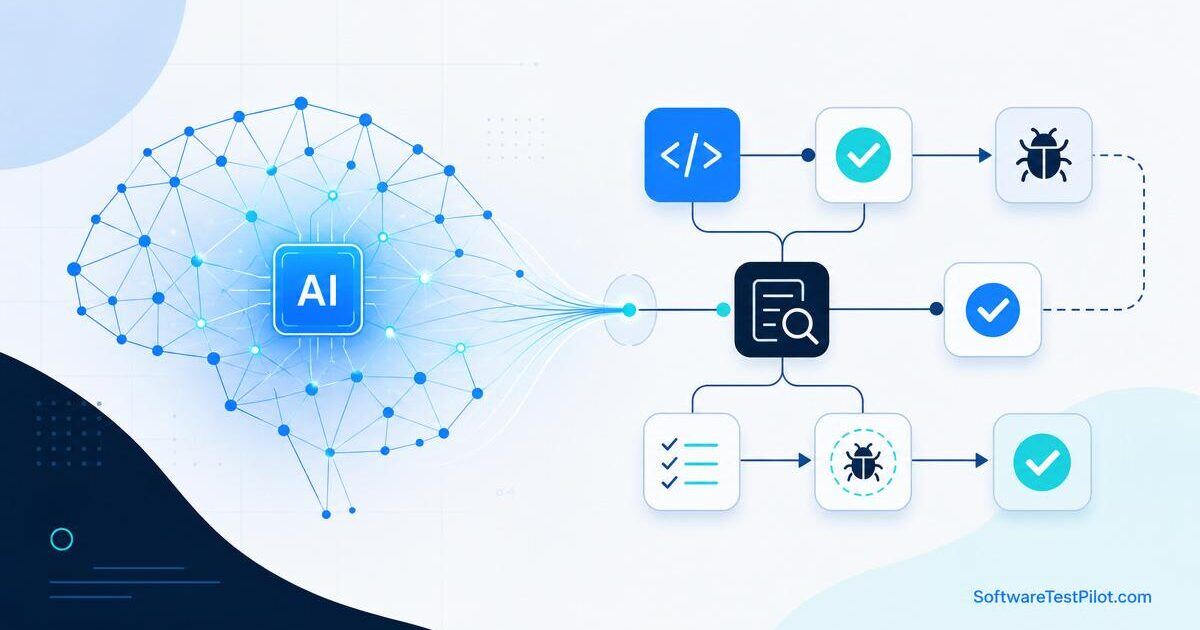
AI is changing QA, but not in the dramatic way many social media posts suggest. The real change is quieter and more practical. Testers are using AI to draft test cases, read logs, summarize failures, create automation snippets, improve bug reports, compare screenshots, generate test data, and understand unfamiliar code. These tasks used to take a lot of manual effort. Now they can be accelerated if the tester knows what to ask and what to verify.
At the same time, AI has created a new problem for software teams. Developers can now generate code faster than before, which means more features, more changes, and more hidden risk moving toward QA. Testing cannot remain a slow checkpoint at the end of the sprint. QA teams need to become earlier, sharper, and more risk-focused. That is the real story of AI in testing in 2026.
This guide is intent-driven: if you are here to figure out what to do about your QA career, you will find role-by-role playbooks, an AI-QA tool stack, a 90-day upskilling plan, and hiring signals from live job posts on our QA Jobs Radar.
SoftwareTestPilot tip: Pair this guide with our AI Mock Interview, QA Resume ATS Review, and Selenium interview questions to turn theory into portfolio-ready practice.
What actually shifted in the QA job market
Three concrete shifts show up in 2026 QA hiring:
- Job titles are merging. "Manual Tester" listings are down; "QA Engineer (AI-assisted)", "SDET", and "Quality Engineer" listings are up. Employers want one person who can design tests, automate them, and use AI tools responsibly.
- Automation is table stakes. On our Jobs Radar, ~78% of QA roles now require at least one automation framework (Playwright, Selenium, Cypress, or a mobile equivalent).
- AI literacy is a differentiator. Roles that mention Copilot, ChatGPT, LLM evaluation, or "prompt engineering for testing" pay 15–25% more than equivalent roles without those keywords.
The signal is clear: pure step-execution roles are shrinking, and hybrid roles that combine testing judgment with tool fluency are growing. Browse live listings on Jobs Radar to see the trend on real posts.
| Role | 2024 demand | 2026 demand | What changed |
|---|---|---|---|
| Manual QA (pure) | High | Declining | Absorbed into hybrid roles |
| Automation Engineer | High | High + AI expected | Copilot / self-healing tools required |
| SDET | Growing | Very high | Owns framework + AI test generation |
| QA Lead | Stable | Growing | Owns AI adoption + risk strategy |
| Performance / Security QA | Niche | Growing fast | AI features need new load & safety tests |
Before AI vs. AI-assisted QA workflow
Here is what the same sprint looks like before and after adopting AI responsibly.
| Activity | Before AI (2023) | AI-assisted (2026) | Time saved |
|---|---|---|---|
| Test case draft from a story | 60–90 min manual | 10 min draft + 20 min human review | ~50% |
| Bug report rewrite | 15 min per report | 3 min prompt + 2 min edit | ~65% |
| CI failure triage | 45 min log reading | 10 min AI summary + 15 min verify | ~45% |
| Locator / selector fix | 20 min per flaky test | 5 min Copilot suggestion + verify | ~70% |
| Exploratory charter | Not always written | 10 min AI-generated + edited | New capability |
Note the pattern: AI compresses drafting, humans still own judgment. Teams that skip the review step create new categories of defects.
AI is becoming part of the QA workflow
In many teams, AI is no longer a separate experiment. It is becoming part of everyday work. A tester may use an AI assistant in the morning to convert acceptance criteria into test scenarios. During automation, the same tester may ask for a Playwright locator suggestion or a better assertion. In the afternoon, when CI fails, AI may summarize logs and group failures by probable cause. At the end of the day, it may help write a cleaner release note or test summary.
None of this means the AI owns quality. It means the tester has a faster notebook, a patient reviewer, and a code helper. The tester still decides what matters. For example, AI may suggest twenty login test cases, but a product-aware tester knows that the risky part is account lockout because the support team received complaints last month. Human context remains the difference between busy testing and valuable testing.
Playbook: Manual tester → AI-assisted QA engineer
If you are a manual tester today, here is a concrete transition path:
- Weeks 1–2: Pick one AI assistant (ChatGPT, Claude, or Copilot Chat). Use it daily for bug report rewriting and test case brainstorming. Log 10 real prompts that worked.
- Weeks 3–4: Learn Postman + one API testing pattern. Add API smoke checks to a project you own.
- Weeks 5–8: Learn Playwright basics using our Playwright tutorial. Automate 5 real flows end-to-end.
- Weeks 9–12: Add CI (GitHub Actions), record a Loom of your framework, and update your resume. Run it through the ATS review tool.
What to stop doing: rewriting the same test cases every sprint by hand, screenshotting bugs into Word docs, and executing the same 200-step regression manually. All three are now AI-plus-automation work.
Playbook: SDET / Automation engineer in the AI era
SDETs get the biggest productivity boost and the biggest risk of shipping subtly bad tests. Use AI for scaffolding, not for architecture.
- Do: Use Copilot to generate Page Object skeletons, fixtures, mock data, and assertion boilerplate.
- Do: Use AI to explain unfamiliar codebases before you touch them.
- Do: Write custom lint rules or PR checklists that block AI anti-patterns (fixed waits, CSS-only selectors, hardcoded secrets).
- Don't: Let AI decide test strategy. Layering, coverage targets, and flakiness budgets are still your call.
- Don't: Accept generated tests without running them 5x locally. Flakiness usually shows up on run 3.
Pair this with our GitHub Copilot for QA guide for prompt patterns and IDE setup.
Playbook: QA lead / manager
Leads set the guardrails. In 2026 that means writing a short AI-in-QA policy that covers three questions:
- Data: What can be pasted into external LLMs? (Rule of thumb: no customer PII, no unreleased product code, no security findings.)
- Attribution: How do we mark AI-generated test cases and bug reports so reviewers know to look closer?
- Review: Which artifacts (test plans, prod-impacting scripts, security tests) always need a second human?
Then pick 2–3 measurable adoption goals per quarter — for example, "cut regression planning time by 40%" or "reduce mean time to triage a failed CI job to under 15 minutes." Track them and share results monthly. Vague AI adoption dies quietly; measured AI adoption compounds.
The AI-QA tool stack for 2026
You do not need every tool. Pick one per category and go deep.
| Category | Recommended tools | Use case |
|---|---|---|
| General LLM assistant | ChatGPT, Claude, Gemini | Test case drafting, bug reports, log summaries |
| Coding copilot | GitHub Copilot, Cursor, Codeium | Automation scaffolding, refactors, explanations |
| Self-healing E2E | Testim, Mabl, Playwright with AI locators | Reduce selector maintenance |
| Visual AI | Applitools, Percy | Visual regression at scale |
| Failure clustering | Datadog CI Visibility, Trunk | Group flaky tests, prioritize fixes |
| Test data | Faker, Mockaroo, custom LLM prompts | Realistic anonymized data |
Try a free tester-friendly starting stack today: ChatGPT + GitHub Copilot + Playwright + our random test data generator.
Test case design is becoming faster, not automatic
AI tools are useful for first drafts of test cases. They can quickly cover positive, negative, boundary, compatibility, security, accessibility, and usability angles. This helps especially when requirements are short or teams are moving fast. But AI-generated test cases can be generic. They may miss pricing rules, country-specific regulations, backend dependencies, and old defects that only your team remembers.
A good tester in 2026 does not ask, "Can AI write my test cases?" A better question is, "Can AI help me create a wider first draft so I can spend more time on risk?" That mindset produces better results. You ask AI for ideas, then you edit based on production data, analytics, customer complaints, and your own experience.
Self-healing tests are reducing maintenance pain
One of the most practical AI testing features is self-healing. When a button changes from #submit to a different locator, a self-healing tool can sometimes identify the same element using text, position, attributes, or visual clues. This is helpful because UI tests often fail due to small front-end changes that do not affect the user journey.
However, self-healing should not be treated as magic. If a test heals incorrectly, it may click the wrong element and give false confidence. Teams need logs, review screens, and rules for when healing is allowed. Self-healing is best for reducing noise, not for hiding real product changes.
Manual testing is becoming more valuable when it is risk-based
Manual testers sometimes worry that AI will remove their role. In reality, manual testing that is only repetitive step execution is becoming less valuable, while manual testing that is exploratory, domain-aware, and user-focused is becoming more valuable. AI can generate a checklist, but it cannot feel confusion when a payment message is unclear. It cannot notice that a workflow technically passes but feels frustrating on a low-end mobile phone.
A manual tester in 2026 should learn how to use AI for preparation: generate charters, create test data, summarize requirements, and compare coverage. Then the tester should use human skill for observation, questioning, and judgment. That combination is powerful.
The five new skills testers must learn in 2026
The first skill is prompt writing. Testers should learn how to provide context, constraints, examples, and desired output format. A vague prompt gives vague results. A specific prompt gives useful drafts. Our 50 ChatGPT prompts for testers is a good starting library.
The second skill is AI review. You must be able to spot wrong assumptions, missing edge cases, and fake confidence. This is similar to reviewing a junior tester's work. Be respectful, but verify everything.
The third skill is automation literacy. Even manual testers should understand basic API calls, browser automation concepts, selectors, logs, and CI pipelines. You do not need to become a senior developer overnight, but you should understand how modern testing flows work.
The fourth skill is data thinking. AI can create test data, but testers must understand boundaries, equivalence classes, privacy, masking, and production-like scenarios. Bad test data creates false confidence.
The fifth skill is communication. As AI speeds up delivery, quality conversations must become clearer. Testers need to explain risk in business language, not only technical language.
90-day upskilling plan (copy this)
A realistic weekly plan that fits around a full-time QA job:
- Days 1–30 — AI fluency: Daily use of one LLM for QA tasks. Build a personal prompt library of 20 v3-quality prompts. Read our ChatGPT prompts guide.
- Days 31–60 — Automation depth: Complete Playwright or Selenium end-to-end on a real app. Push code to GitHub. Add CI. Study Selenium interview questions and Playwright interview questions.
- Days 61–90 — Portfolio + interviews: Publish 2 blog posts or Loom demos of your framework. Run 3 mock interviews using our AI Mock Interview. Apply to 20 roles from Jobs Radar after cleaning your resume via the ATS reviewer.
Track weekly progress in a spreadsheet. Discipline beats intensity — 45 focused minutes a day compounds faster than weekend cramming.
What will not change
Users will still behave unpredictably. Requirements will still be incomplete. Integrations will still fail at the worst time. Time zones, currencies, permissions, network issues, browser differences, and data migration bugs will still create production incidents. AI does not remove these realities.
Good testing is still about asking, "What could go wrong, who would be affected, and how can we learn quickly?" That question is human. AI can support it, but it cannot own it.
Risks of using AI badly
The biggest risk is false confidence. AI can write a convincing answer that is incomplete or wrong. Another risk is privacy — teams may accidentally paste sensitive data into tools without approval. A third risk is skill decay: if testers copy outputs without understanding them, they become dependent on the tool and weaker in interviews and real debugging.
The solution is simple but not always easy: use AI as an assistant, keep humans accountable, and build review into the workflow. For a deeper look at where AI actually catches defects, read our AI-powered bug detection tools guide.
Final thoughts
AI is not the end of QA. It is the end of slow, repetitive QA work that never used human intelligence properly. Testers who learn AI, automation basics, product thinking, and risk communication will become more important. Testers who avoid learning may feel pressure because the baseline speed of teams is rising.
If you are a QA engineer in 2026, do not panic. Pick one AI tool, one automation skill, and one domain skill. Use them every week. Your career does not need a sudden reinvention. It needs steady upgrading. For your next step, browse the live QA jobs radar and match your learning plan to what employers are actually asking for.