Test Management Tools: Jira Xray vs Zephyr vs TestRail
Complete comparison of test management tools. Jira Xray, Zephyr, TestRail, qTest, and PractiTest compared with pricing, features, integration, and migration tips.

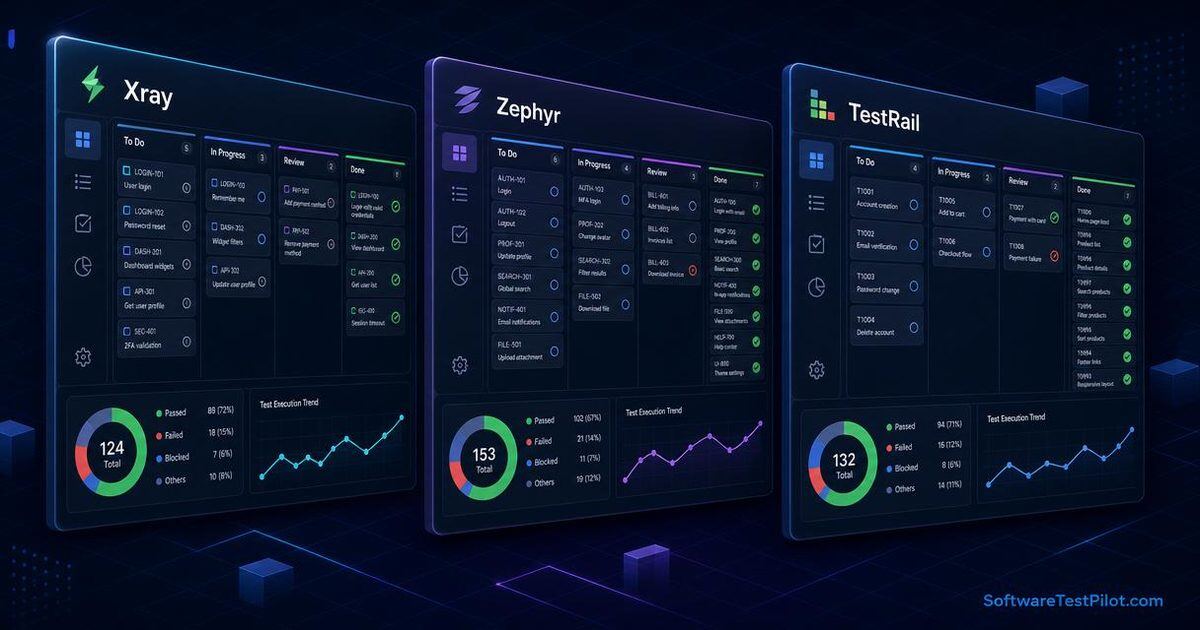
Last updated: June 29, 2026 · 9 min read · By SoftwareTestPilot Editorial Team
The right test management tool can transform how your team plans, executes, and reports on testing. This guide compares the top tools in 2026 with pricing, features, and selection criteria. Pair it with our Best Test Automation Tools (Enterprise) and Enterprise API Testing Tools guides.
What are test management tools?
Test management tools help QA teams plan test cases and suites, track test execution, link tests to requirements, generate reports, and integrate with Jira and CI/CD. For broader tooling context, see our Best Test Automation Tools guide.
The top 8 tools
Tier 1 — Jira-Native
1. Xray (for Jira)
Price: $5–$15/user/month · Best for: Teams on Jira.
The most popular Jira-native test management tool.
- Pros: native Jira integration; BDD support (Gherkin); CI/CD integration (JUnit, TestNG, pytest, Cucumber); powerful reporting.
- Cons: Jira dependency; can be slow with very large test sets.
2. Zephyr (for Jira)
Price: $10–$25/user/month · Best for: mid-market Jira teams.
- Pros: native Jira integration; multiple deployment options (Squad, Scale); good reporting; BDD support.
- Cons: Jira dependency; less mature than Xray for BDD.
Tier 2 — Standalone
3. TestRail
Price: $30–$60/user/month · Best for: QA-centric teams.
- Pros: purpose-built for QA; strong reporting; great UX; integrations with Jira, GitHub.
- Cons: standalone (not in Jira); higher cost.
4. qTest
Price: $36+/user/month · Best for: enterprise QA.
- Pros: enterprise-grade; strong reporting; Jira and CI/CD integration.
- Cons: expensive; steep learning curve.
5. PractiTest
Price: $40+/user/month · Best for: mid-market QA.
- Pros: excellent filtering and dashboards; good reporting; reasonable price.
- Cons: standalone (not in Jira).
Tier 3 — Open Source / Free
6. Testiny (Free Tier)
Price: Free + paid plans · A modern free option with good UX for small teams.
7. Kiwi TCMS
Price: Free, open source · Best for self-hosted teams.
8. TestLink
Price: Free, open source · The classic open-source option for legacy projects.
Comparison matrix
| Tool | Jira integration | BDD support | Pricing | Best for |
|---|---|---|---|---|
| Xray | Native | Excellent | $5–$15/user/mo | Jira teams |
| Zephyr | Native | Good | $10–$25/user/mo | Mid-market Jira |
| TestRail | Plugin | Limited | $30–$60/user/mo | QA-centric |
| qTest | Plugin | Limited | $36+/user/mo | Enterprise |
| PractiTest | Plugin | Limited | $40+/user/mo | Mid-market |
| Testiny | Plugin | Limited | Free + paid | Small teams |
| Kiwi TCMS | Plugin | Good | Free | Self-hosted |
| TestLink | Plugin | Limited | Free | Legacy |
How to choose
By team setup
| Team setup | Best fit |
|---|---|
| All Jira | Xray or Zephyr |
| Jira + GitHub | Xray + GitHub integration |
| Standalone QA team | TestRail |
| Enterprise, regulated | qTest |
| Mid-market QA | PractiTest |
| Self-hosted / OSS | Kiwi TCMS |
By feature priority
| Priority | Best fit |
|---|---|
| Jira-native | Xray, Zephyr |
| BDD / Gherkin | Xray |
| Standalone | TestRail |
| Enterprise reporting | qTest |
| Cost | Testiny (free), TestRail (paid) |
By budget
| Budget | Best fit |
|---|---|
| $0 | Testiny, Kiwi TCMS, TestLink |
| $5–$25/user/mo | Xray, Zephyr |
| $30–$60/user/mo | TestRail, PractiTest |
| $60+/user/mo | qTest, enterprise tools |
Xray deep dive
Why Xray is the default in 2026
- Native Jira integration — tests live in Jira issues, no separate system.
- BDD support — first-class Gherkin/Cucumber support.
- CI/CD integration — automatic test result import. See our GitHub Actions for Automation Testing guide.
- Rich reporting — execution reports and coverage matrices.
Xray test types
- Manual tests — written and executed manually.
- Cucumber tests — Gherkin feature files.
- Automated tests — generic runner (JUnit, TestNG, pytest).
Best practices
- Link tests to requirements (user stories).
- Use test plans for releases and test sets for grouping.
- Generate coverage reports for stakeholders.
Zephyr deep dive
Why choose Zephyr over Xray
- Multiple deployment options (Squad, Scale).
- Better UX for some teams.
- Native BDD support with Cucumber integration.
- Strong dashboard reporting.
Best practices
- Use test cycles for sprint/regression testing.
- Use test plans for releases.
- Integrate with Jira boards for full traceability.
TestRail deep dive
Why choose TestRail over Jira-native
- Purpose-built for QA — UX designed for testing workflows.
- Stronger reporting than Jira-native options.
- Better for non-engineering QA — manual testers prefer it.
- Standalone — works without Jira.
Best practices
- Use test suites for organization.
- Use test plans for releases and test runs for execution.
- Generate reports for stakeholders weekly.
How to migrate
From TestRail → Xray (Jira-native)
- Export test cases from TestRail (CSV).
- Map to Jira issue types (Test, Test Set, Test Plan).
- Import via the Xray importer.
- Update CI/CD to publish results to Xray.
From Excel / Google Sheets → Xray
- Create the Xray test issue type.
- Bulk import via CSV.
- Link to requirements.
- Set up test plans.
How to maximize ROI
Do
- Link tests to requirements for traceability.
- Use CI/CD integration for automatic results.
- Generate reports for stakeholders.
- Train the team on the tool.
- Customize fields for your domain.
Don't
- Don't use the tool for ad-hoc testing (use Jira or GitHub).
- Don't create duplicate tests.
- Don't skip requirement linkage.
- Don't ignore CI/CD integration.
Common test management mistakes
Mistake 1 — Not linking tests to requirements
Always link tests to user stories, requirements, or defects for full traceability.
Mistake 2 — Creating duplicate tests
Before creating a new test, search for existing ones.
Mistake 3 — Not integrating with CI/CD
Use built-in CI/CD integration to publish results automatically. Manual reporting is error-prone.
Mistake 4 — Over-customizing the schema
Custom fields are useful, but too many creates confusion. Keep the schema lean.
Mistake 5 — Not training the team
A test management tool is only as good as how it's used. Train on writing good test cases, linking to requirements, and execution.
Mistake 6 — Not using reporting
Generate reports for stakeholders. Make test status visible.
Mistake 7 — Switching tools too often
Tool migrations are expensive. Pick a tool and stick with it for 2–3 years.
Mistake 8 — Ignoring the free tier
Many tools have generous free tiers. Use them before paying.