
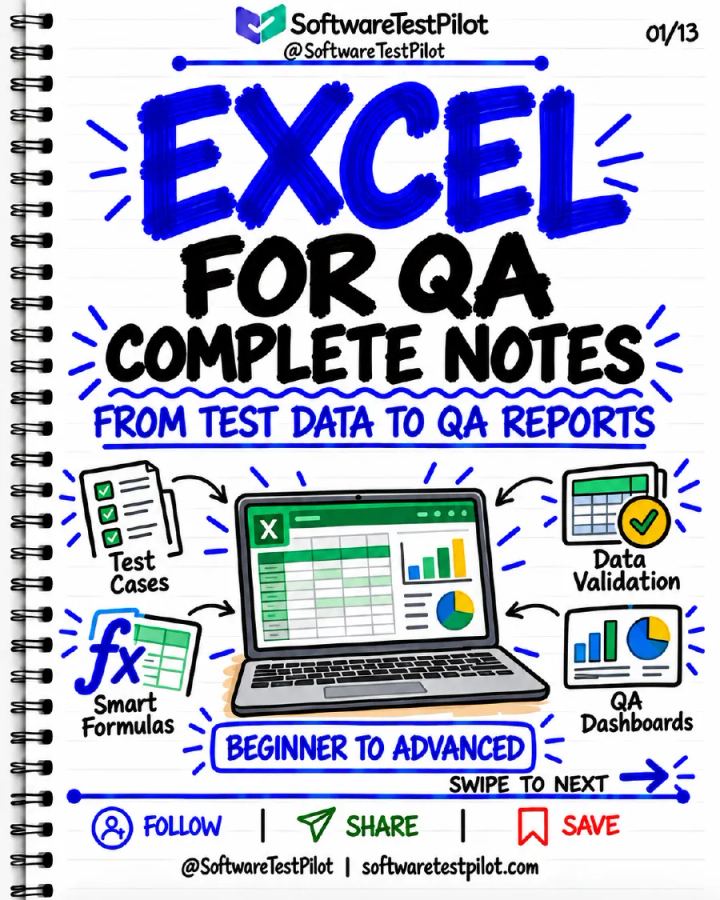
Excel for QA: Complete Notes (Updated)
Published by SoftwareTestPilot
PDF • 13 pages • Study Notes • All Levels • Manual Testing
Published 25 October 2026 • Updated 25 October 2026
Included in QA Notes Vault
Preview this resource below, or unlock the complete QA Notes Vault for ₹199 lifetime access.
13-page Excel notes for testers: test trackers, cleaning data, formulas, COUNTIFS and SUMIFS metrics, lookups by ID, comparing exports, validation, traceability, PivotTable dashboards and Power Query.
Already bought the Vault?
Read Excel for QA: Complete Notes (Updated)
Opening the note…
Like this resource? Unlock this plus 167+ other QA notes with lifetime Vault access.
Overview
13-page Excel notes for testers: test trackers, cleaning data, formulas, COUNTIFS and SUMIFS metrics, lookups by ID, comparing exports, validation, traceability, PivotTable dashboards and Power Query. Published by SoftwareTestPilot.
What you'll learn
- Build a test tracker with stable IDs and statuses
- Calculate QA metrics with COUNTIFS and SUMIFS
- Compare API, database and file exports by ID
- Track defects and traceability in Excel
- Create PivotTable dashboards
- Prepare data repeatably with Power Query
Topics covered
- manual-testing
Table of contents
- Excel for QA: Build a Reliable Test Tracker
- Import, Clean & Protect Your QA Data
- Formula Foundations & Cell References
- COUNTIFS, SUMIFS & Honest QA Metrics
- Lookups: Match by ID, Not Row Position
- Compare API, Database & File Exports
- Text, Dates & Dynamic Lists
- Data Validation & Conditional Formatting
- Traceability & Defect Tracking in Excel
- PivotTables & QA Dashboards
- Power Query: Repeatable QA Data Preparation
- QA Excel Workflow & Practice Challenge
Tools covered
- Microsoft Excel
- PivotTables
- Power Query
Skills covered
- Test Management
- Data Analysis
Who this resource is for
- Manual Tester
- Automation Tester
- QA Lead
Format and what you get
- A downloadable PDF you can read on phone or laptop.
- Included in the QA Notes Vault: one payment unlocks every note in the Vault, with lifetime access to it.
- Download after signing in with the account that paid. Refunds follow our refund policy.
Free learning on this topic
Excel for QA: Complete Notes (Updated): common questions
1.What does Excel for QA: Complete Notes (Updated) cover?
2.How long is this PDF and what format is it in?
3.Who is this resource for?
4.How do I get the full PDF?
QA Notes Vault
Get Excel for QA: Complete Notes (Updated) and the complete Vault
Download this resource in full, plus 167+ other quick-revision QA notes — all for ₹199 with lifetime access.
- One-time payment
- Lifetime access
- Secure checkout
Related QA Resources
More notes on this topic, all included in the same Vault purchase.
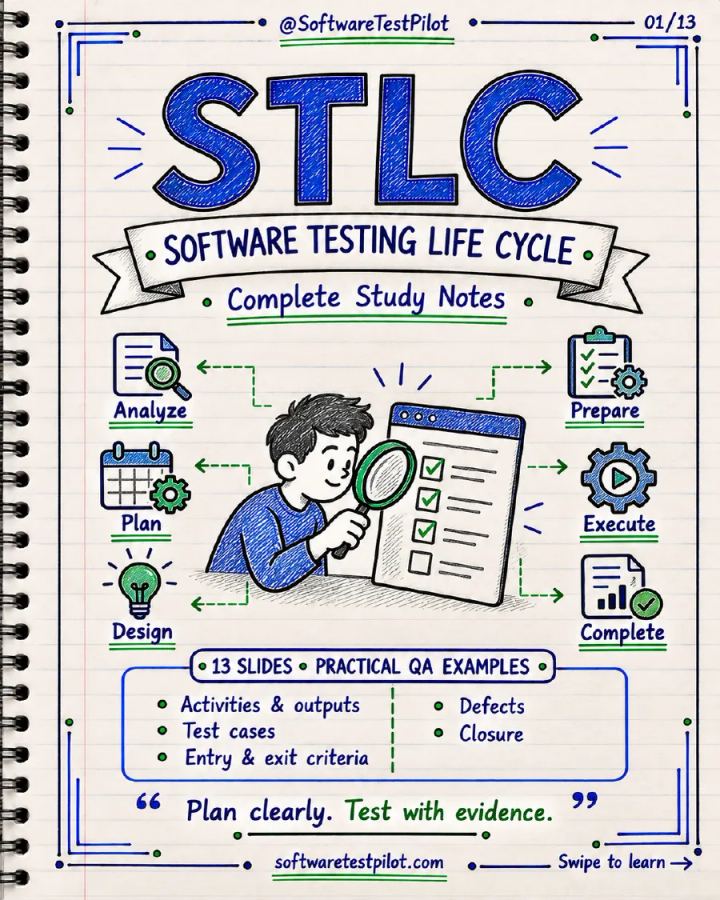
STLC: Complete Notes
Included in QA Notes VaultStudy Notes· Beginner· 13 pages
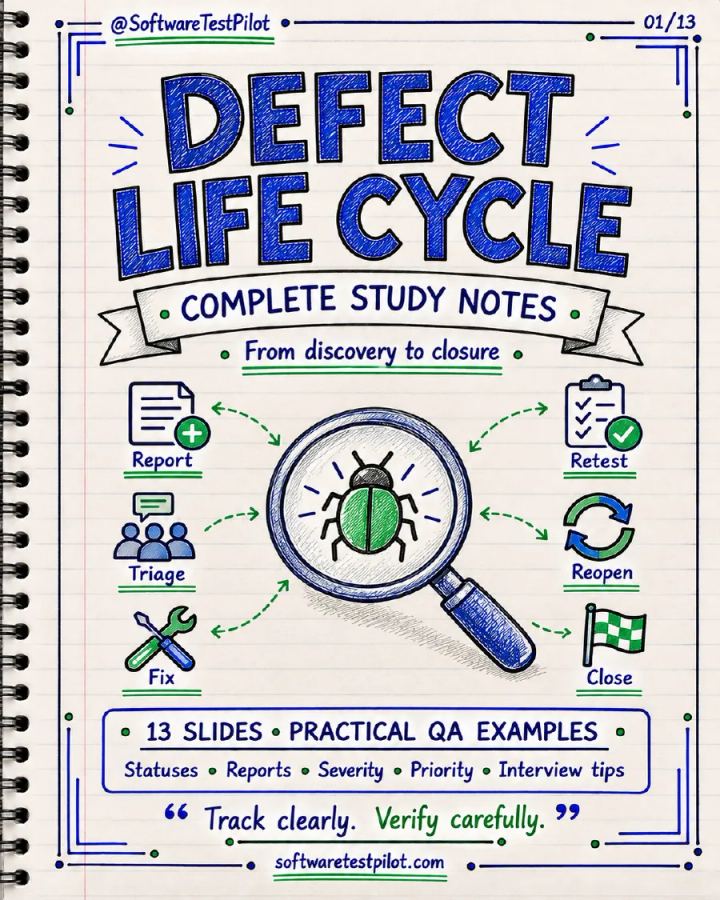
Defect Life Cycle: Complete Notes
Included in QA Notes VaultStudy Notes· Beginner· 13 pages

200 Manual Testing Interview Questions & Detailed Answers
Included in QA Notes VaultInterview Questions· Beginner to Advanced· 35 pages

How to Test Anything — 100 Features Every QA Should Practice
Included in QA Notes VaultWorkbook· Beginner to Advanced· 38 pages
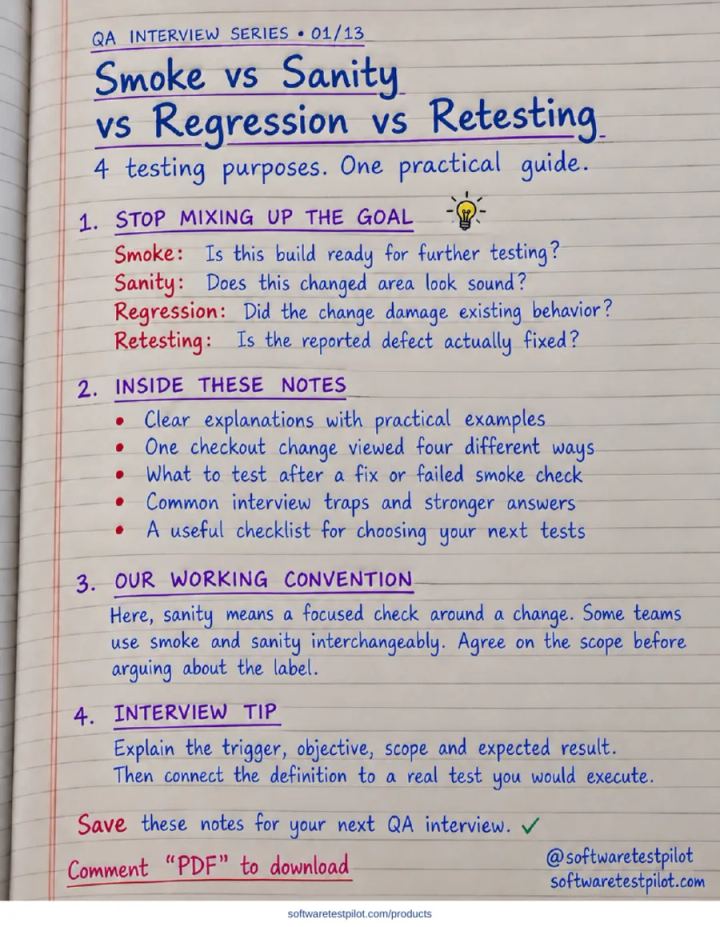
Smoke vs Sanity vs Regression vs Retesting
Included in QA Notes VaultStudy Notes· All Levels· 13 pages