
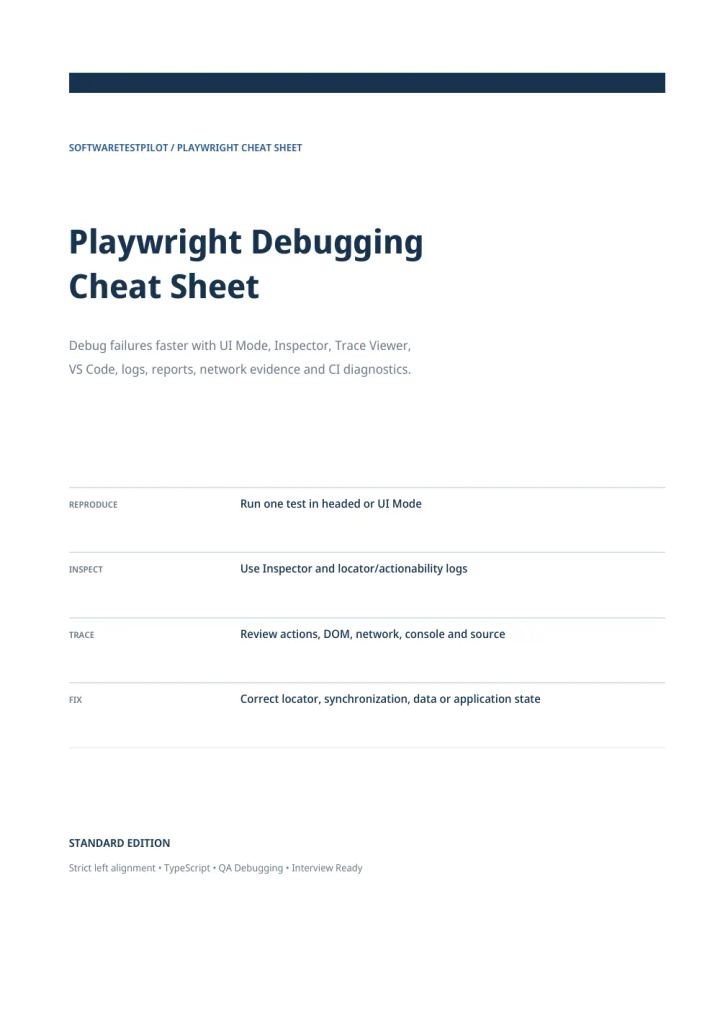
Playwright Debugging Cheat Sheet
Published by SoftwareTestPilot
PDF • 18 pages • Cheat Sheet • All Levels • Playwright
Published 7 October 2026 • Updated 7 October 2026
Included in QA Notes Vault
Preview this resource below, or unlock the complete QA Notes Vault for ₹199 lifetime access.
Debug Playwright failures faster with UI Mode, Inspector, Trace Viewer, VS Code, logs, reports, network evidence and CI diagnostics.
Already bought the Vault?
Read Playwright Debugging Cheat Sheet
Opening the note…
Like this resource? Unlock this plus 167+ other QA notes with lifetime Vault access.
Overview
A quick reference for choosing the right Playwright debugging tool and collecting evidence before changing timeouts, retries or locators. Covers UI Mode, --debug, headed runs, VS Code, Trace Viewer, console and network evidence, artifacts and a flaky-test workflow. Examples use Playwright Test with TypeScript. Published by SoftwareTestPilot.
What you'll learn
- Pick the right debugging tool for each failure
- Use UI Mode, Inspector and Trace Viewer
- Collect console, page-error and network evidence
- Configure traces, screenshots and video
- Rerun failed tests from the HTML report
- Follow a repeatable flaky-test debugging workflow
Topics covered
- playwright
- automation-testing
Table of contents
- Which debugging tool should you use?
- UI Mode
- Playwright Inspector and --debug
- Headed mode and focused runs
- VS Code debugging
- Debug locators and actionability
- Trace Viewer
- Recommended trace configuration
- Console, page errors and network evidence
- Debug API and network failures
- Screenshots, video and failure artifacts
- HTML report and rerun failed tests
- Flaky-test debugging workflow
- Failure symptom quick diagnosis
- Common debugging mistakes
- Interview reference & command cheat sheet
- One-page debugging checklist
Tools covered
- Playwright
- TypeScript
Skills covered
- Playwright
- Automation Testing
Who this resource is for
- Manual Tester
- Automation Tester
- SDET
Format and what you get
- A downloadable PDF you can read on phone or laptop.
- Included in the QA Notes Vault: one payment unlocks every note in the Vault, with lifetime access to it.
- Download after signing in with the account that paid. Refunds follow our refund policy.
Free learning on this topic
Playwright Debugging Cheat Sheet: common questions
1.What does Playwright Debugging Cheat Sheet cover?
2.How long is this PDF and what format is it in?
3.Who is this resource for?
4.How do I get the full PDF?
QA Notes Vault
Get Playwright Debugging Cheat Sheet and the complete Vault
Download this resource in full, plus 167+ other quick-revision QA notes — all for ₹199 with lifetime access.
- One-time payment
- Lifetime access
- Secure checkout
Related QA Resources
More notes on this topic, all included in the same Vault purchase.
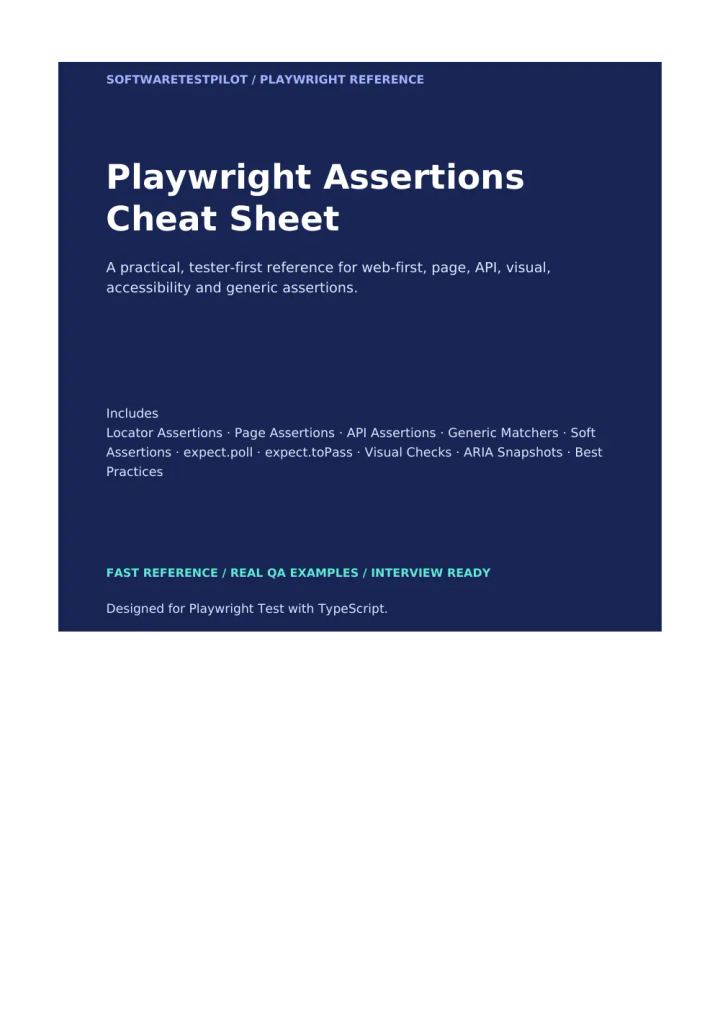
Playwright Assertions Cheat Sheet
Included in QA Notes VaultCheat Sheet· All Levels· 14 pages
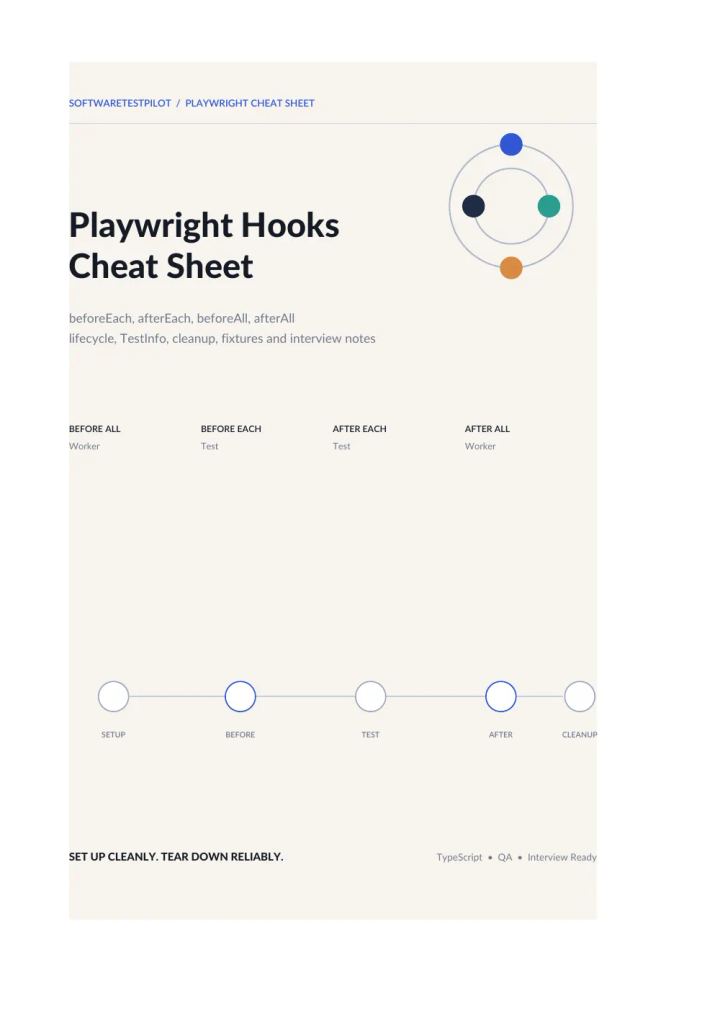
Playwright Hooks Cheat Sheet
Included in QA Notes VaultCheat Sheet· All Levels· 21 pages
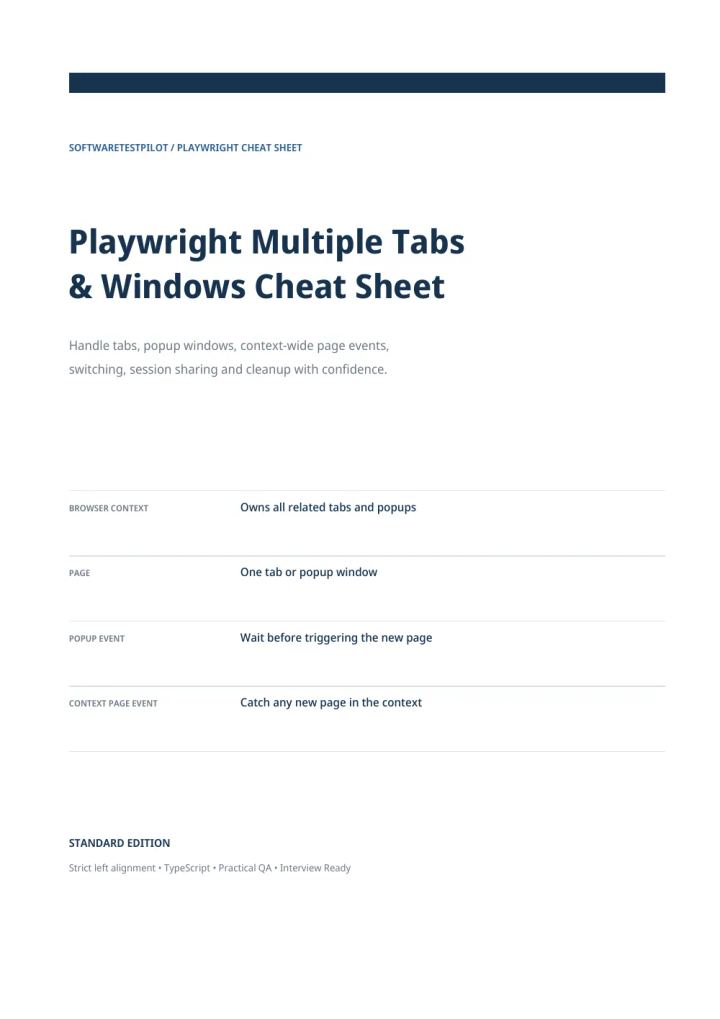
Playwright Multiple Tabs & Windows Cheat Sheet
Included in QA Notes VaultCheat Sheet· All Levels· 16 pages
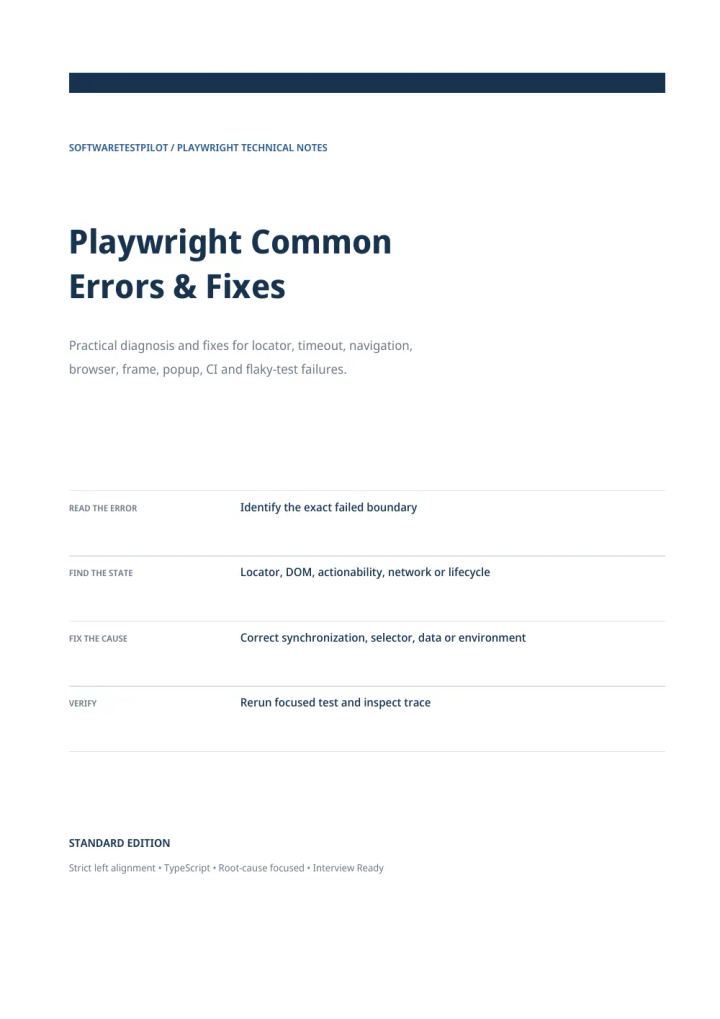
Playwright Common Errors & Fixes
Included in QA Notes VaultGuide· All Levels· 20 pages
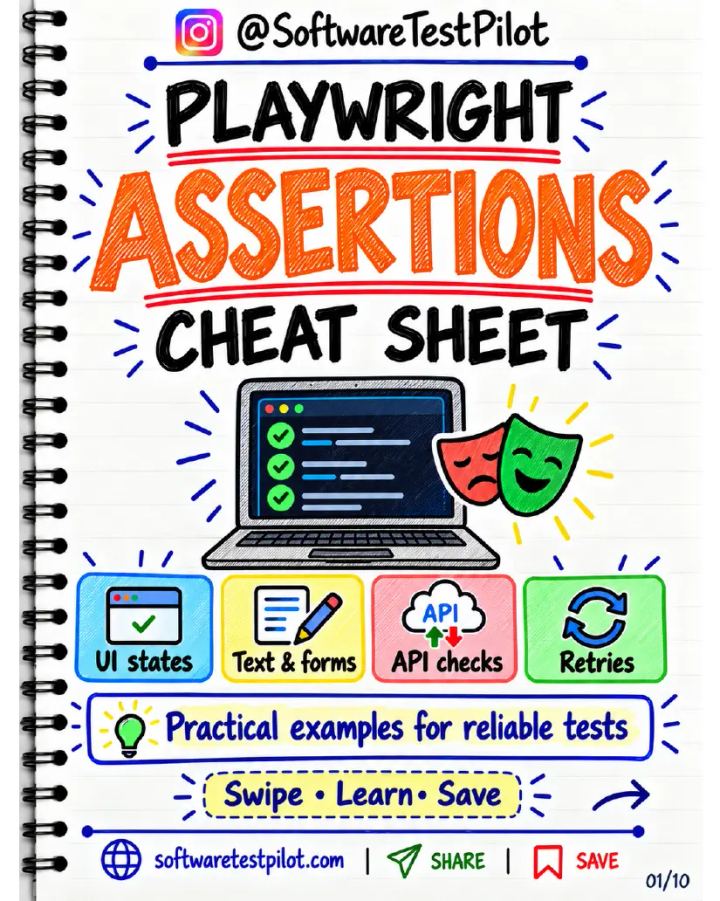
Playwright Assertions Cheat Sheet (Instagram Carousel)
Included in QA Notes VaultInstagram Post· All Levels· 10 pages
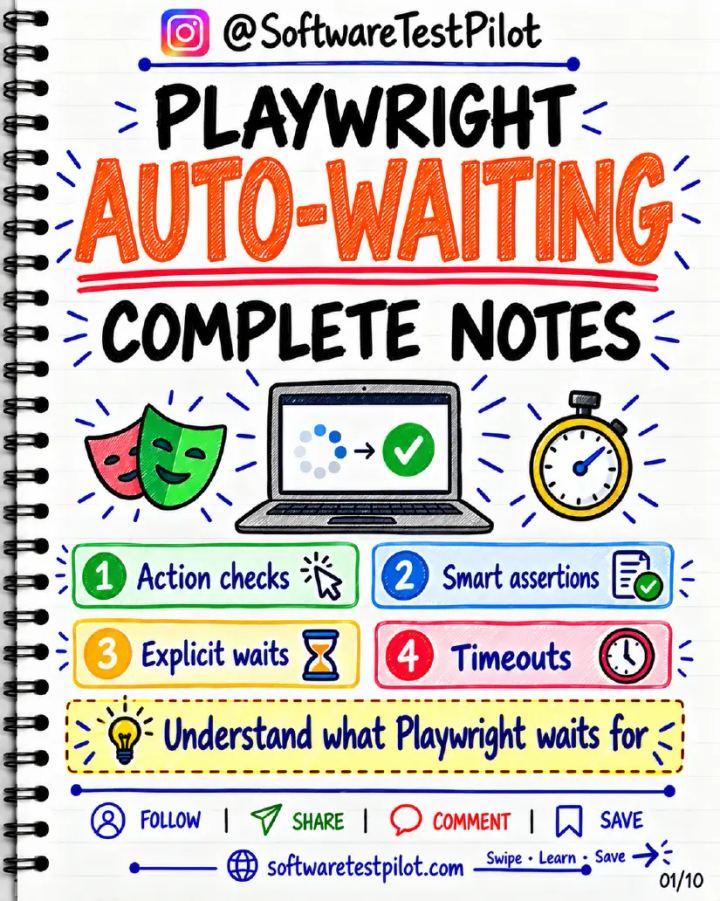
Playwright Auto-Waiting Complete Notes (Instagram Carousel)
Included in QA Notes VaultInstagram Post· All Levels· 10 pages